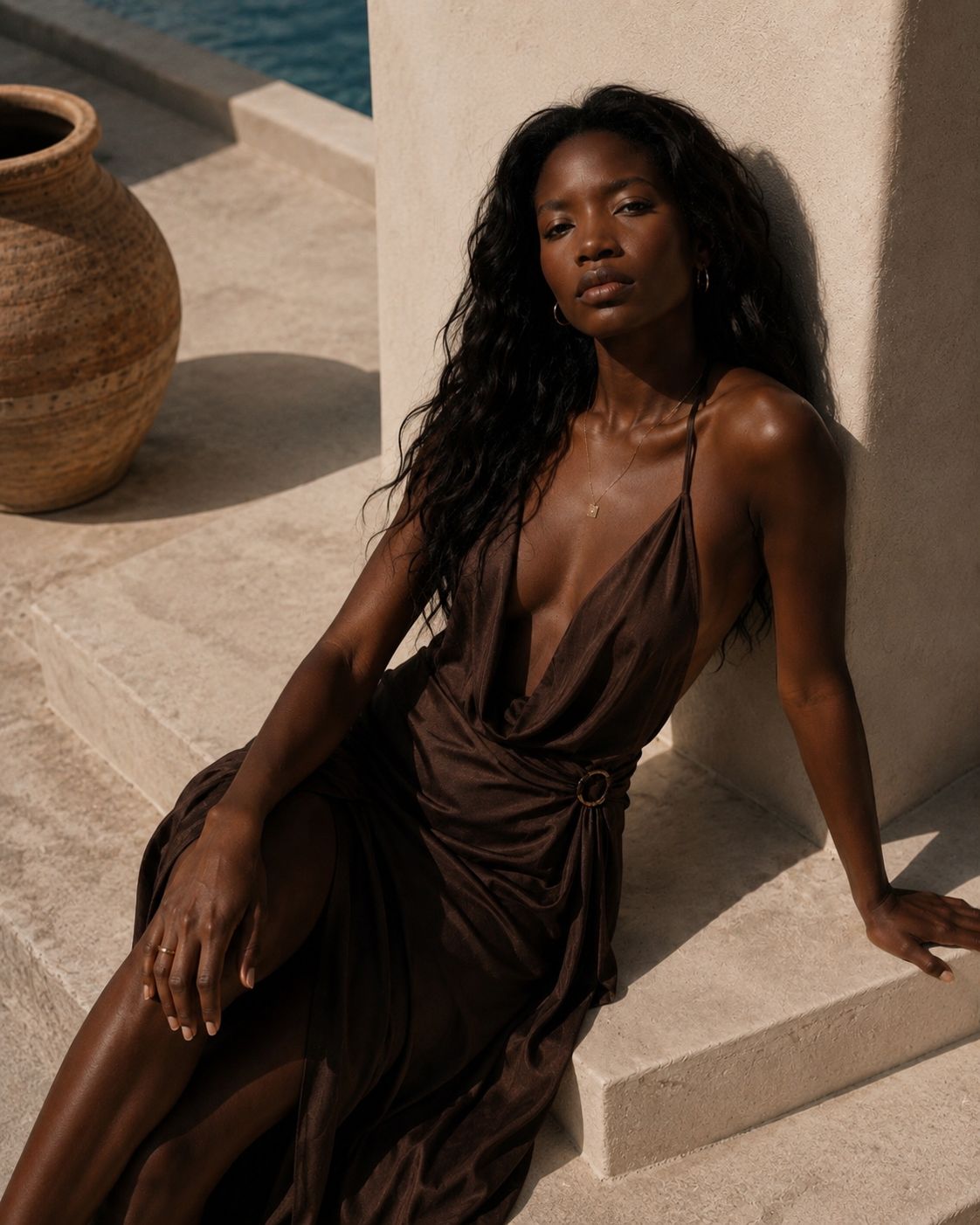
Create editorial shots and runway motion without reshooting every look.
Upload a model or outfit and test lookbook visuals, campaign images, runway clips, and style variations quickly.
 MaxAIStudios
Professional visuals without a full production day.
Create more directions, compare more options, and move faster from idea to content with one mobile AI studio for controlled image and video creation.
MaxAIStudios is not another prompt box. It is a mobile AI creative studio where you control the image, the camera, and the video direction before you spend on a full production day.
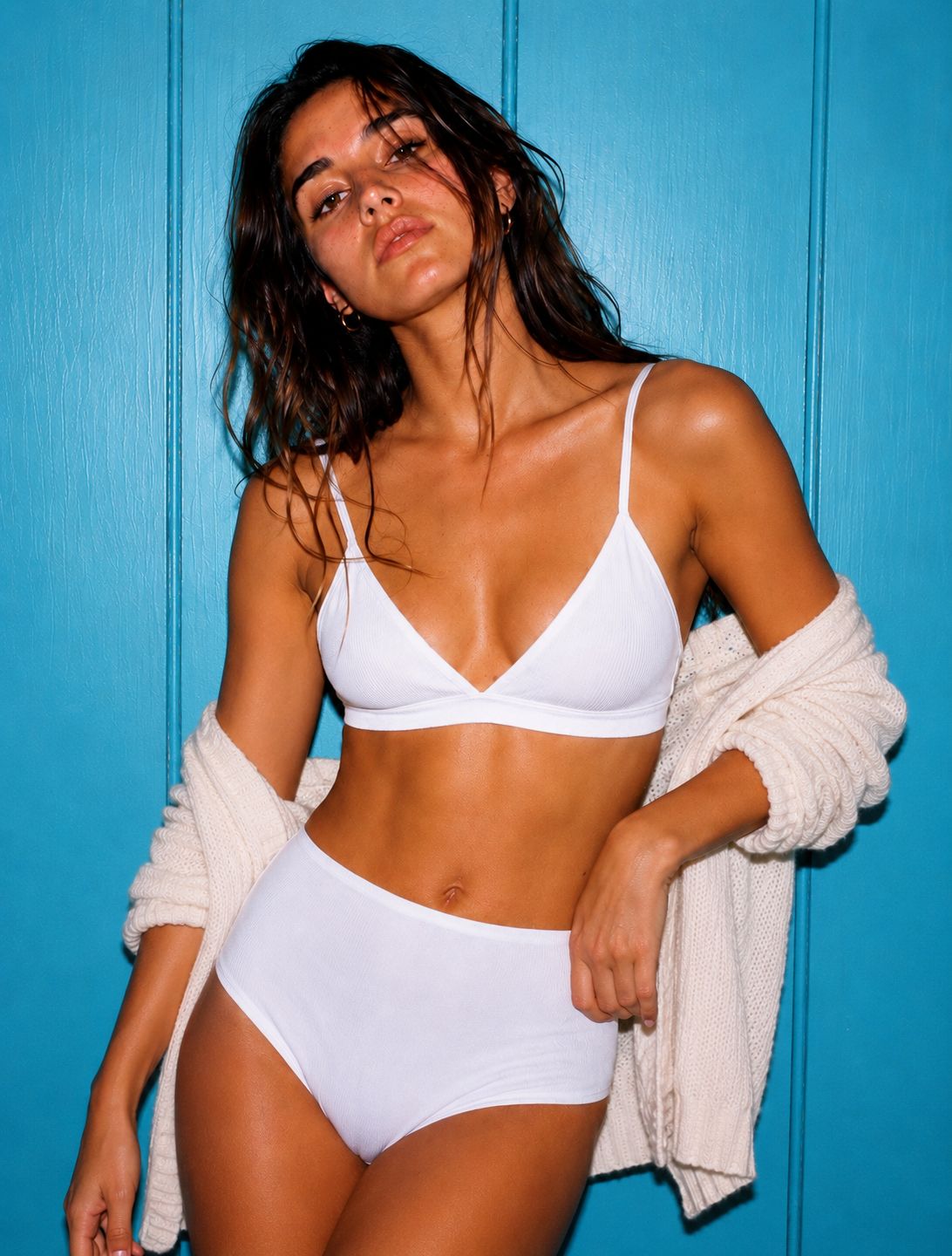
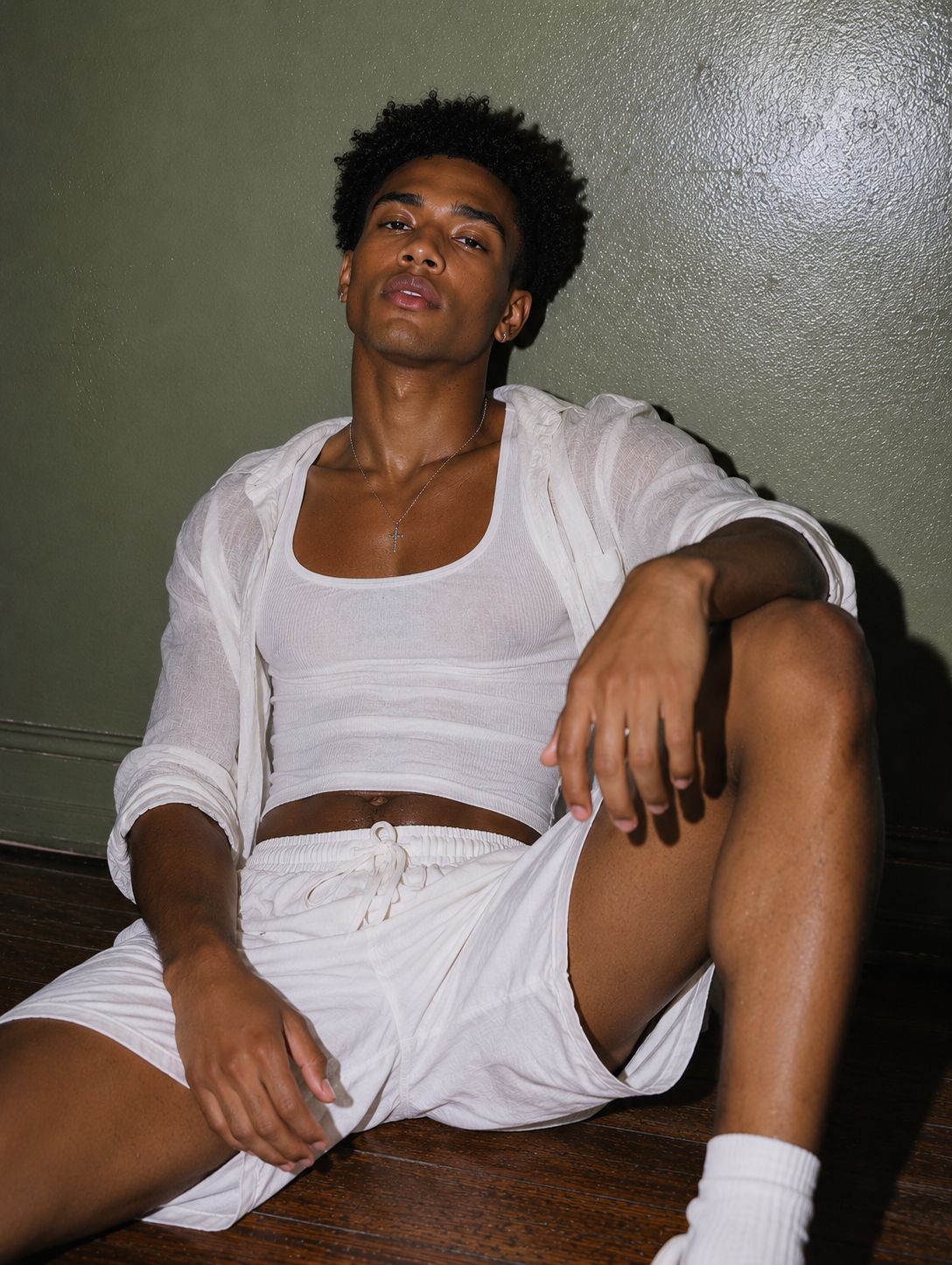
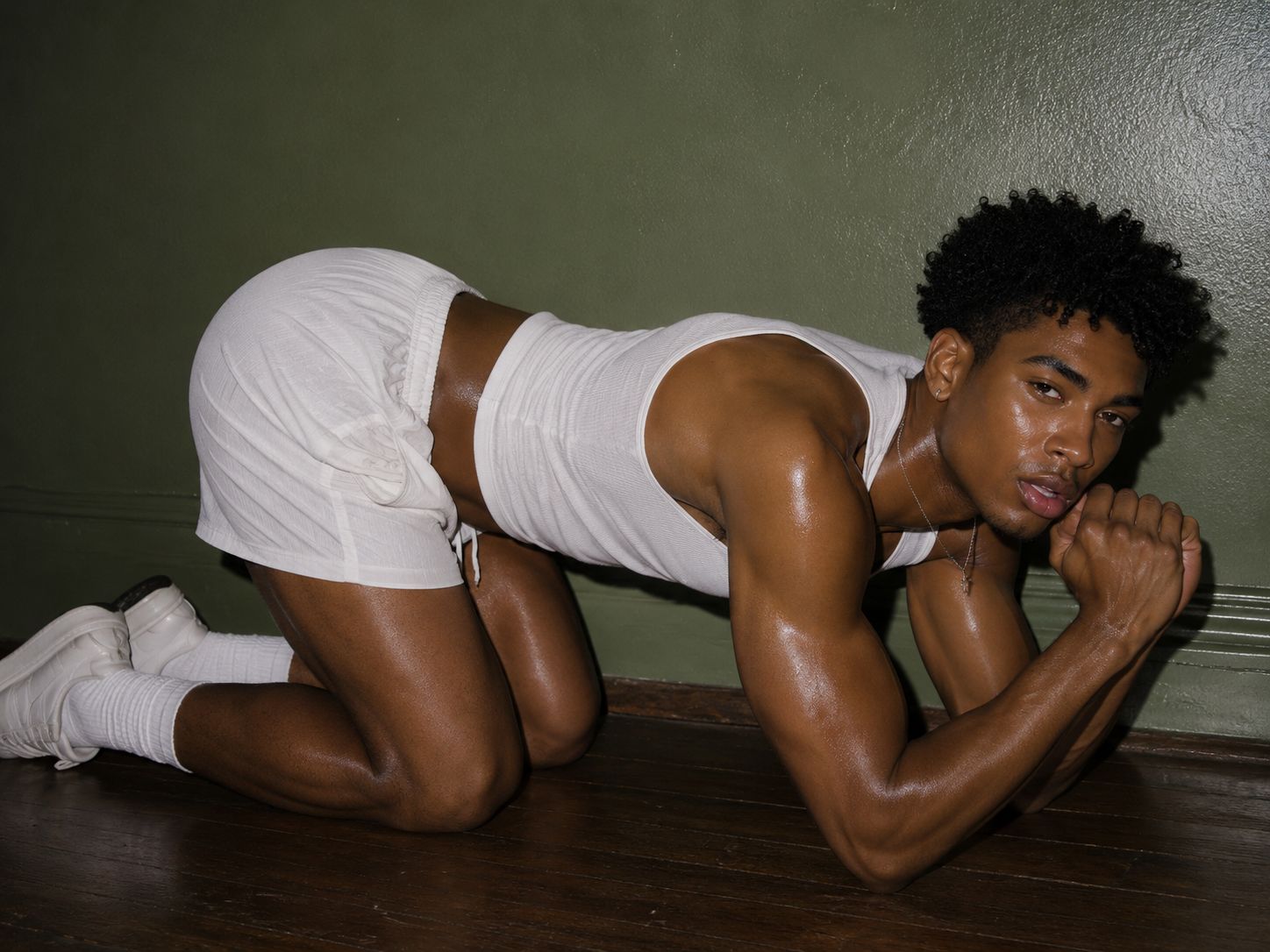
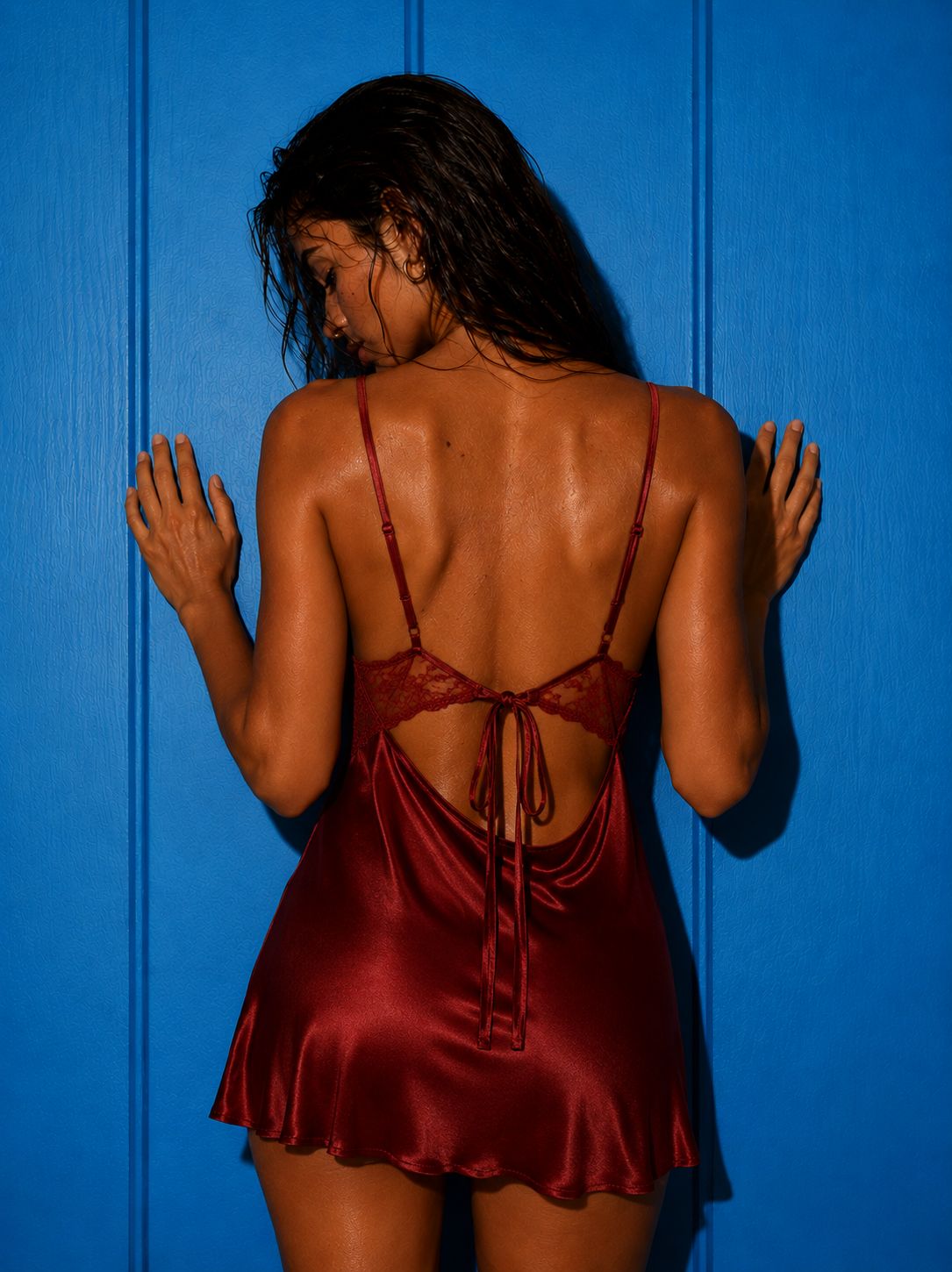
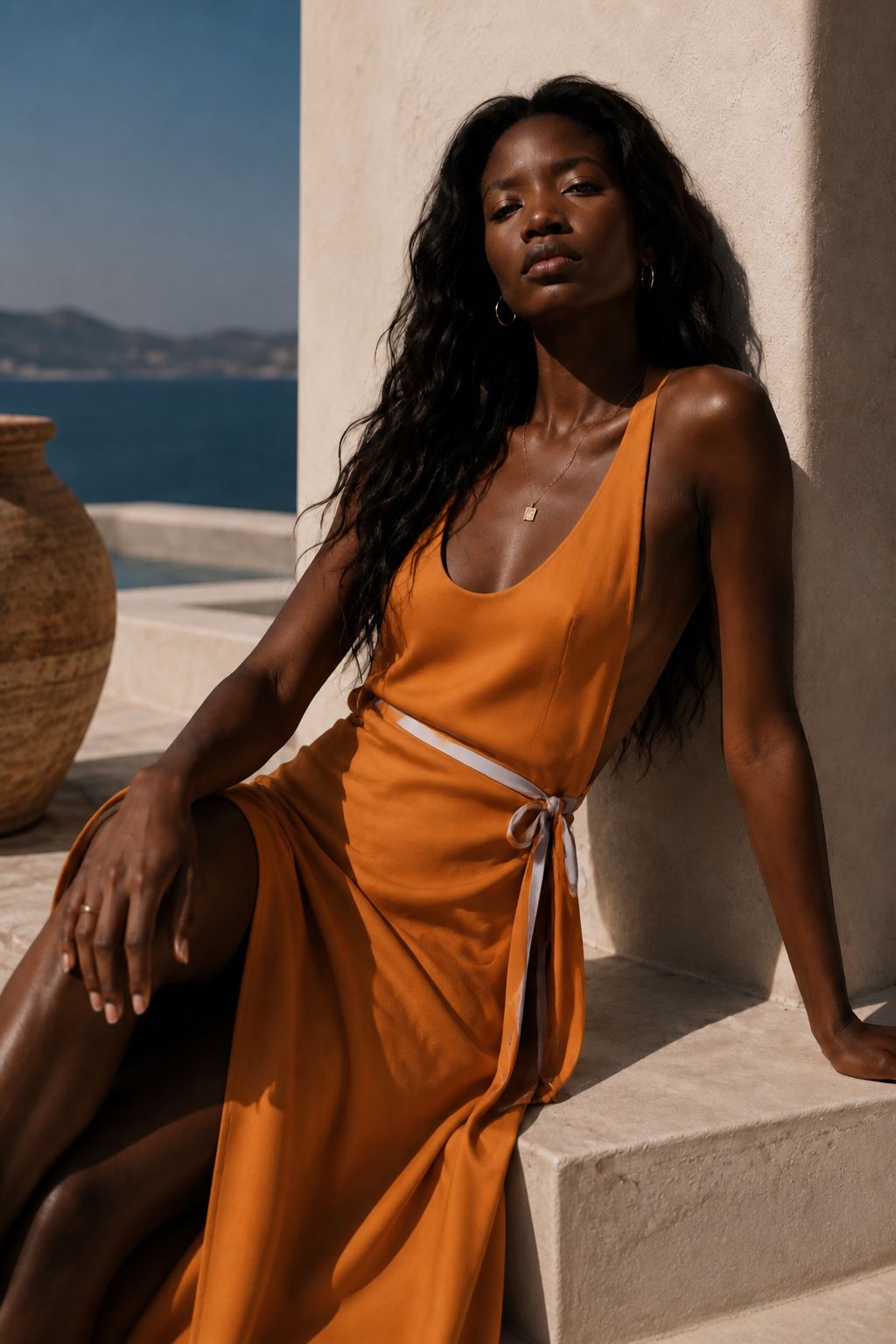
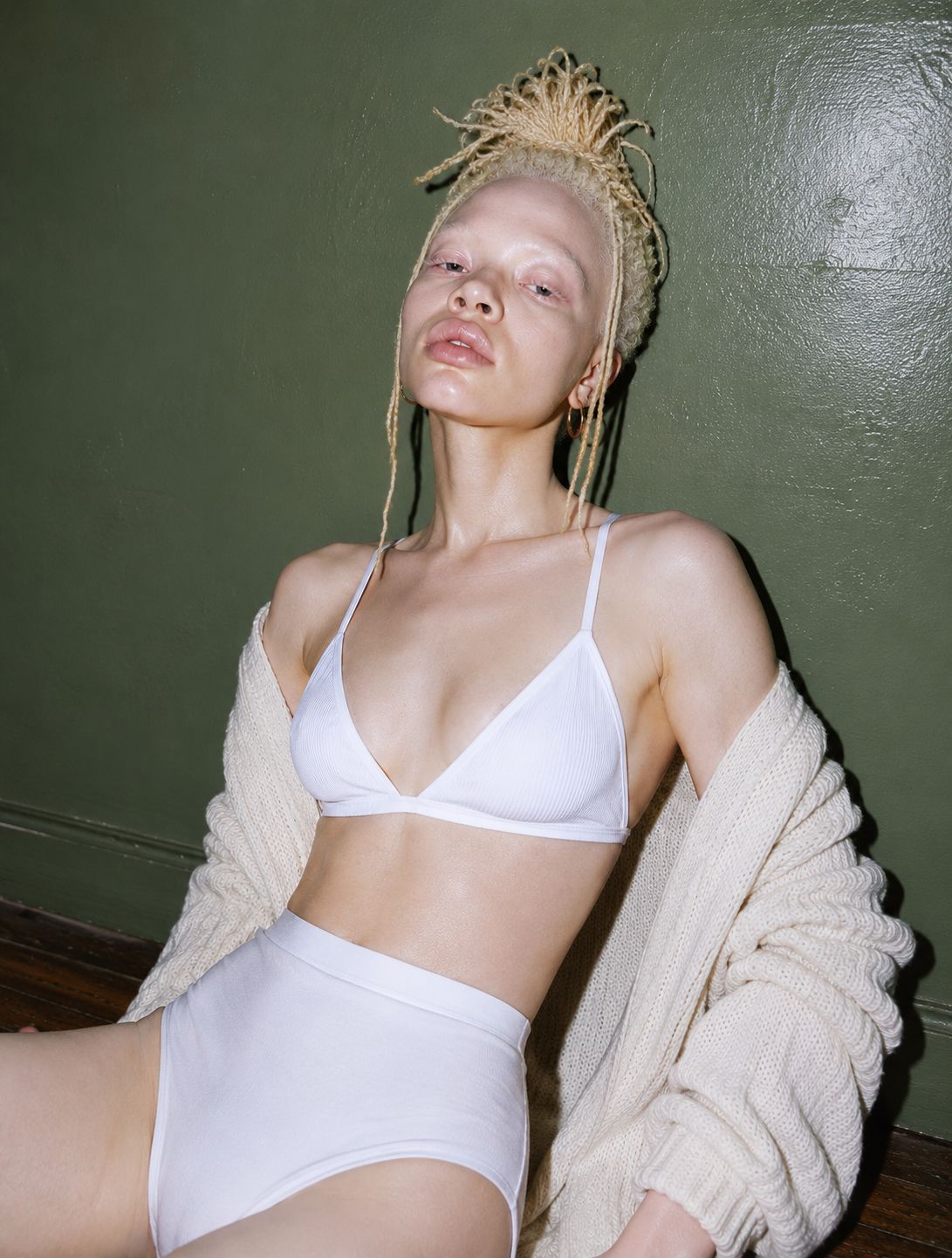
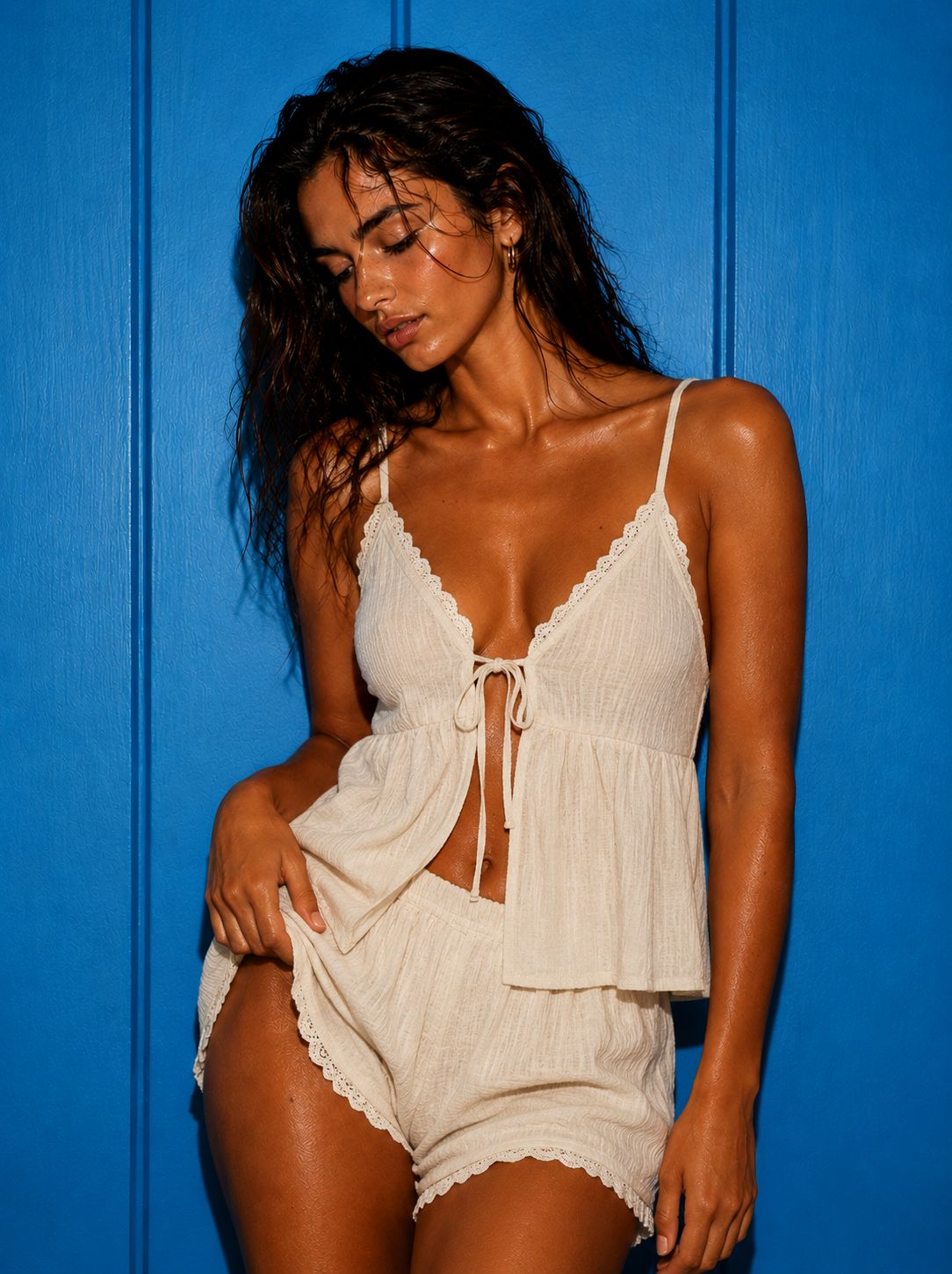
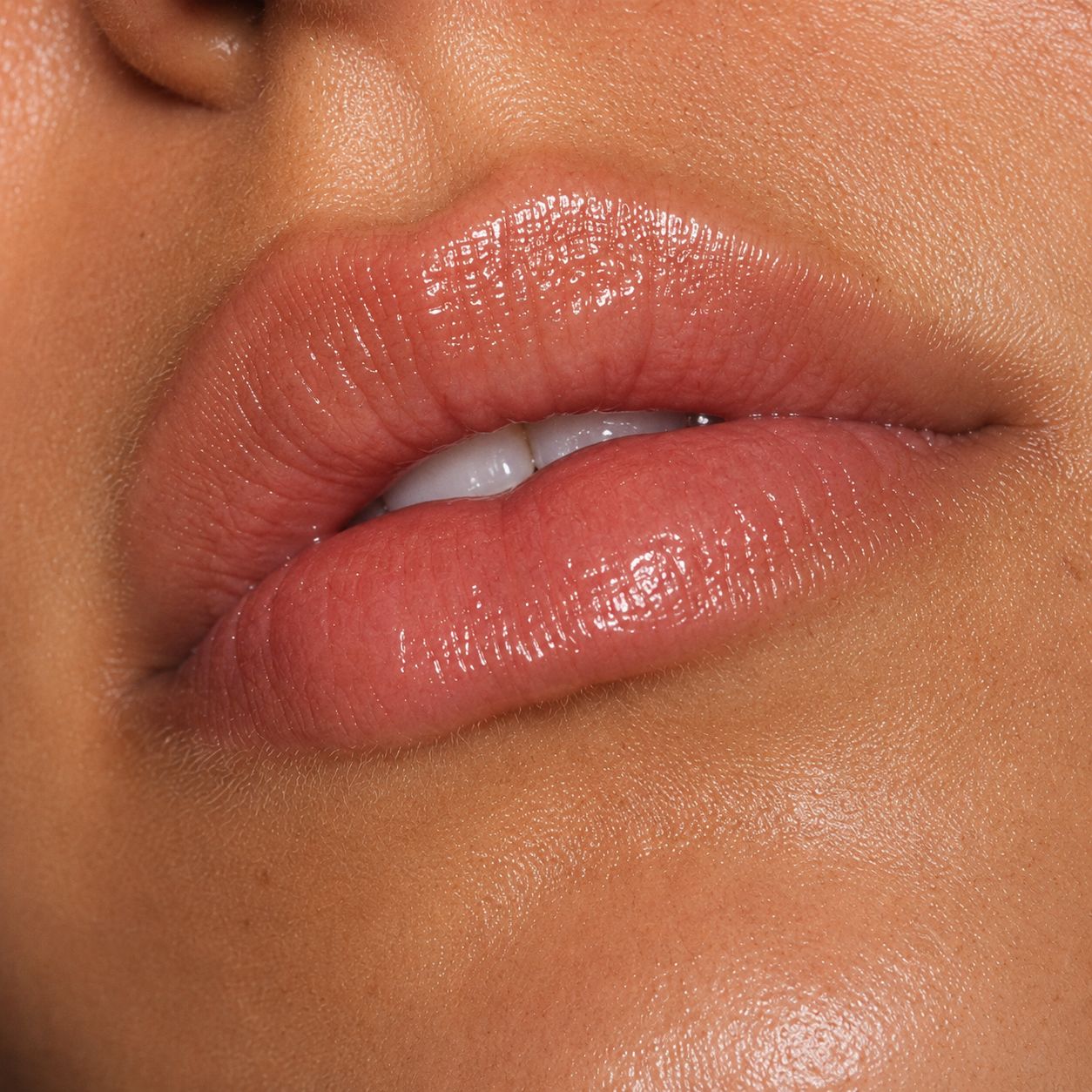
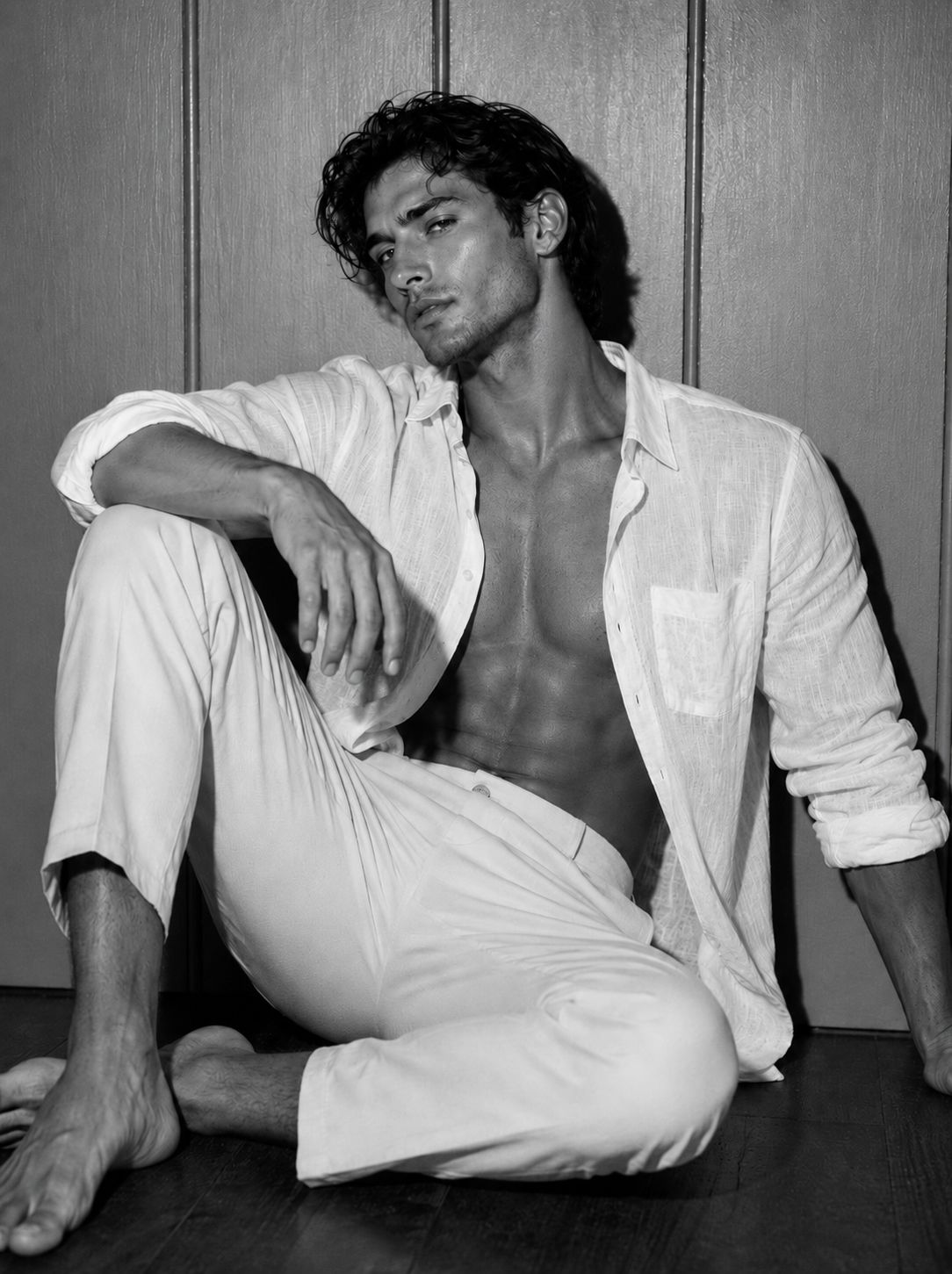
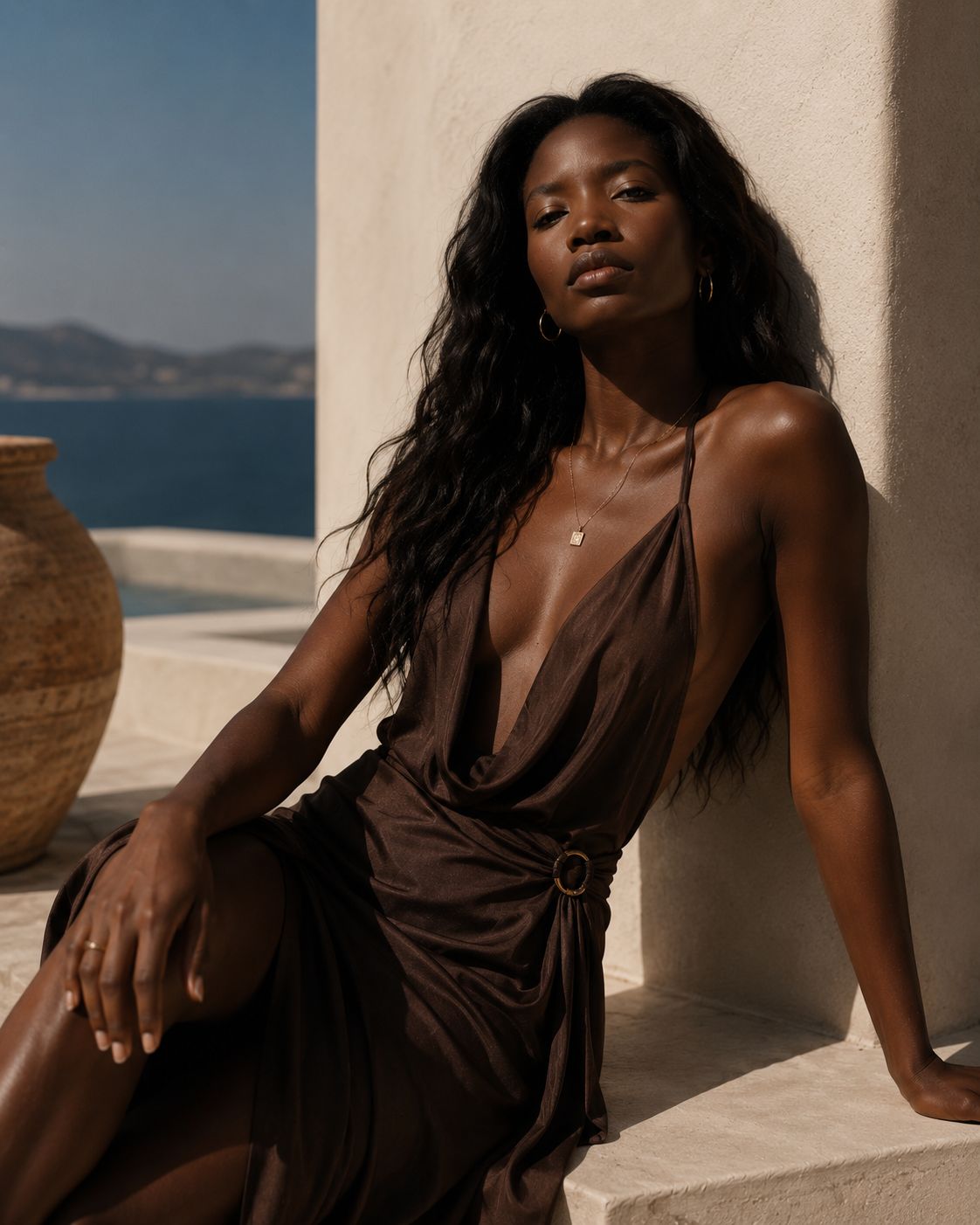
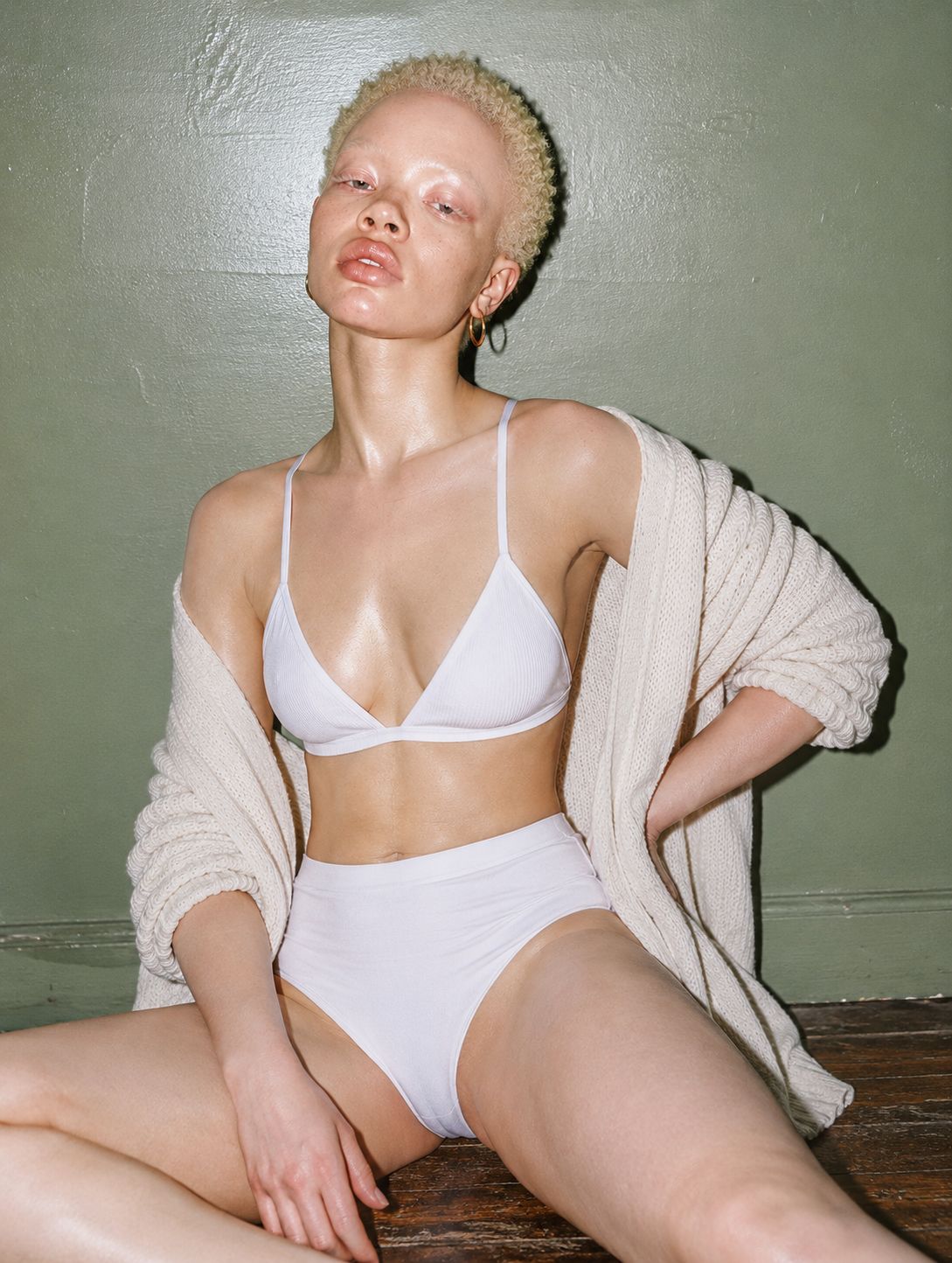
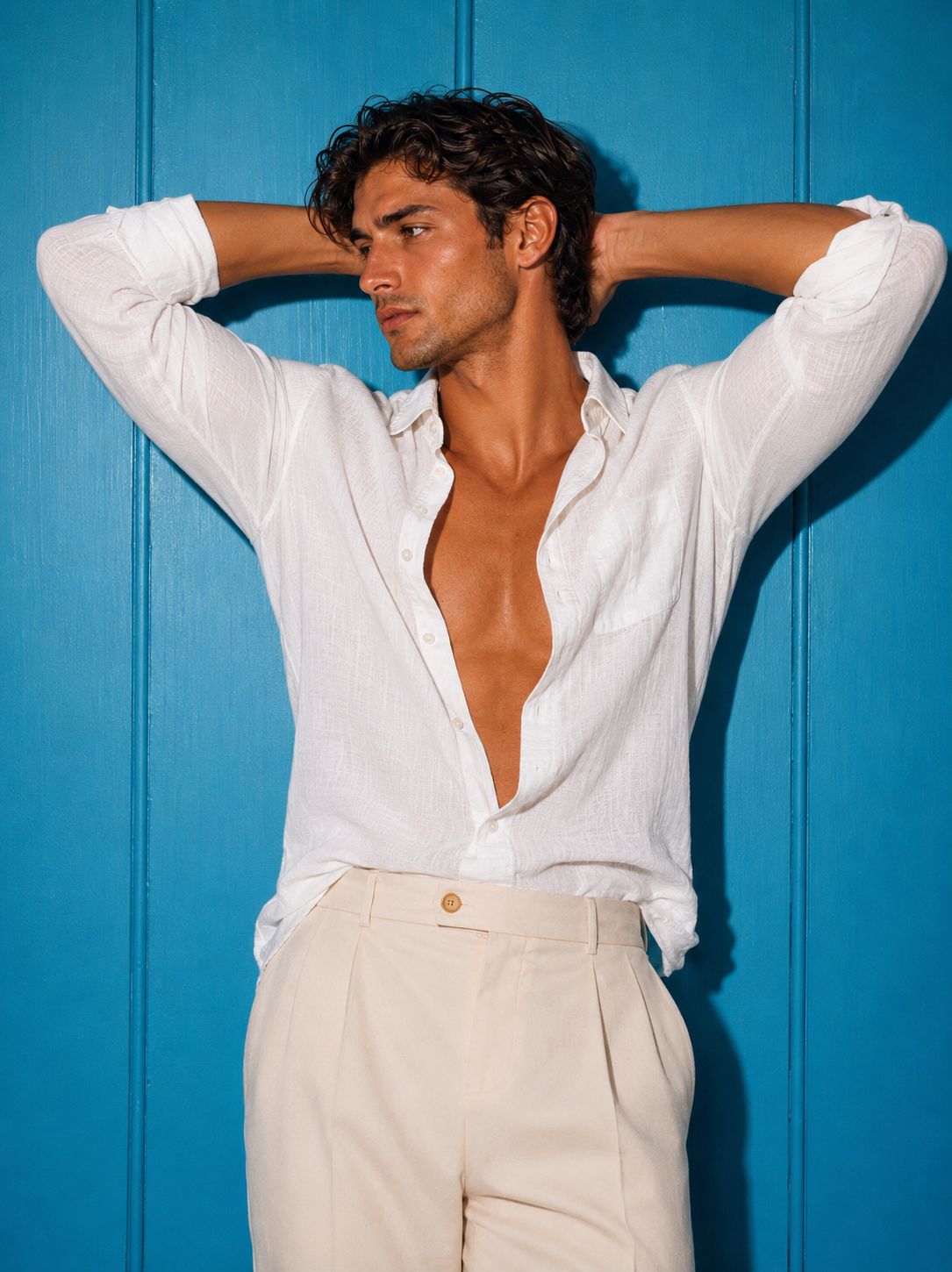
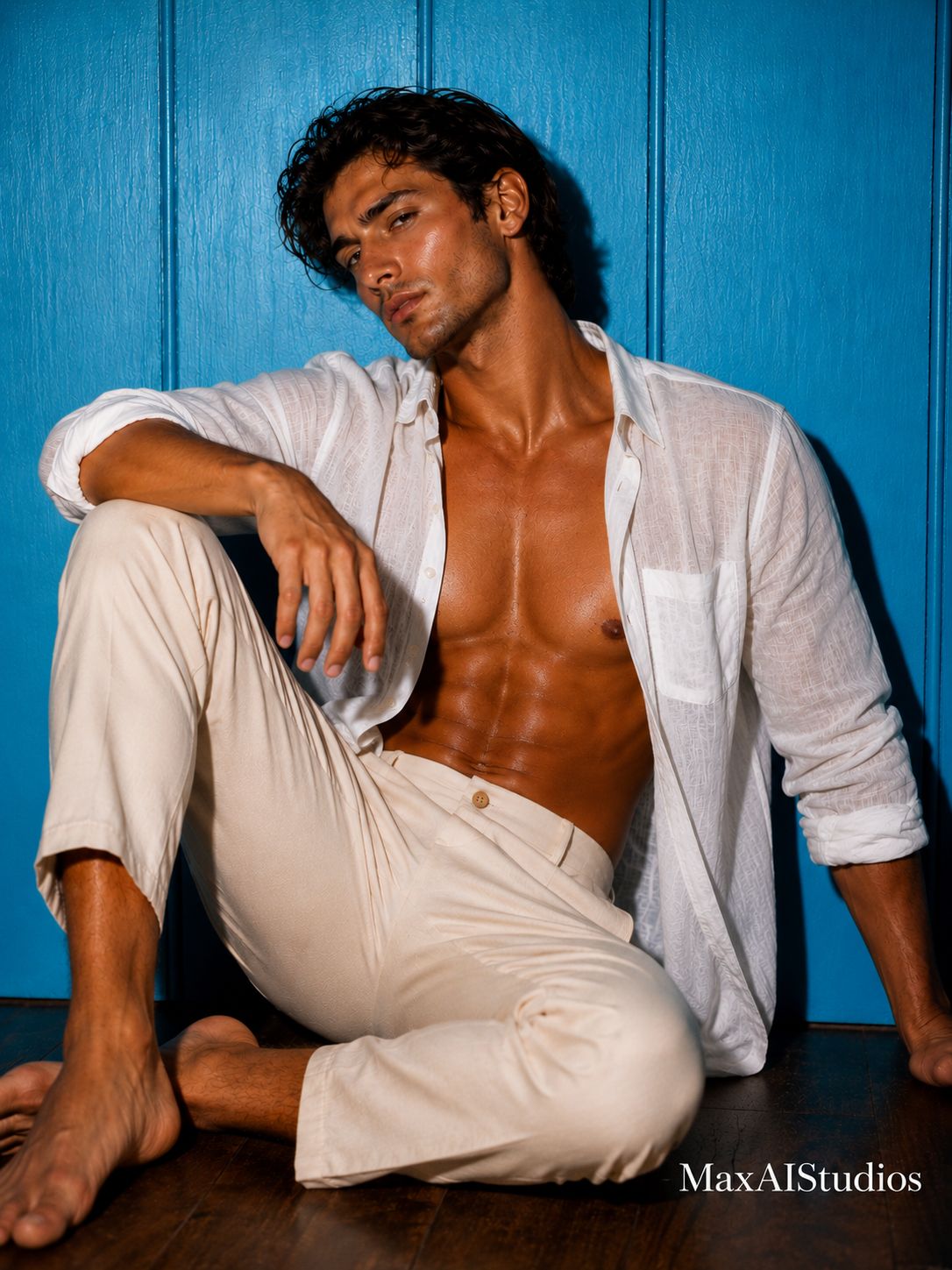
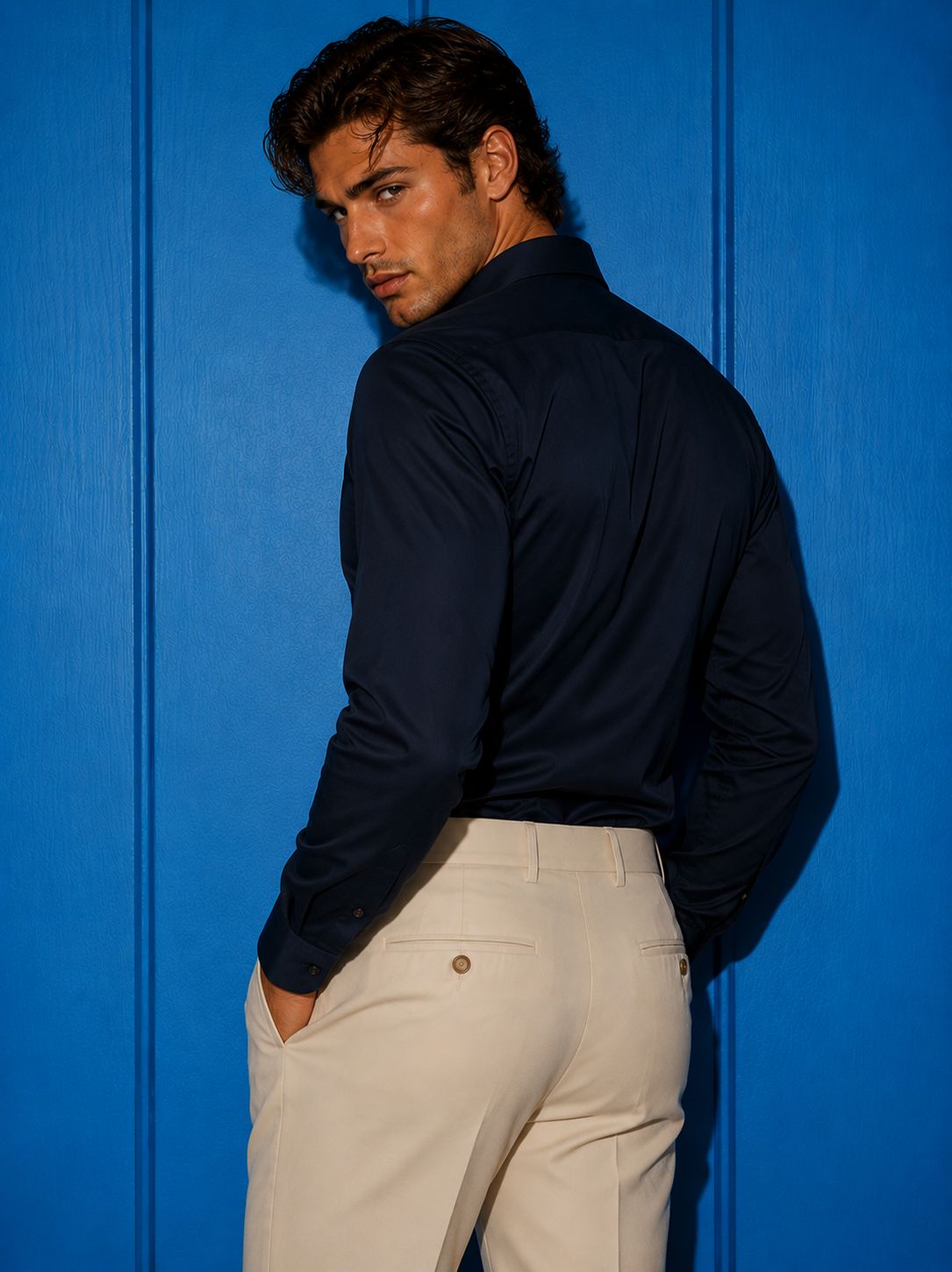
Upload a model or outfit and test lookbook visuals, campaign images, runway clips, and style variations quickly.
Restyle spaces, preview furniture directions, create move-in timelapses, and show day-to-night transformations.
Create short product videos, camera moves, campaign stills, and social-ready visuals at competitive market prices.
Generate portraits, anime looks, travel edits, trend videos, fantasy scenes, and social content directly on iPhone.
Start with a real photo of a model, room, product, or concept. Then create a fashion campaign, room redesign, product video, social clip, cinematic transition, or visual test for a client.
Most AI tools give you a random result. MaxAIStudios is built to help you direct the output: style, mood, framing, camera movement, generation mode, and start/end frames for clearer video results.
Give the AI a clearer creative path so transitions, transformations, and motion clips feel more intentional.
Create dolly shots, zooms, reveals, transitions, orbit moves, room walkthroughs, and cinematic motion from still images.
Improve composition, lighting, framing, or style first, then generate video from a stronger visual starting point.
Use template-based workflows for fashion, interiors, products, architecture, portraits, and social video.
Use it before a photoshoot, before hiring a production team, before pitching a client, or whenever you need a strong visual now.
Add a model, product, room, sketch, reference image, or idea as the starting point.
Choose the style, mood, camera movement, generation mode, and start/end frame direction.
Create multiple versions, compare results, and save the strongest assets in your gallery.
Use final images and videos for social posts, campaigns, client previews, stores, and creative testing.
Create more directions, compare more options, and move faster from idea to content with one mobile AI studio.
Download on the App Store