Character concepts
Explore characters, portraits, costumes, silhouettes, and style directions.
 MaxAIStudios
AI Game Asset Generator
Develop visual directions for characters, outfits, environments, cinematic scenes, and promotional game content from your iPhone.
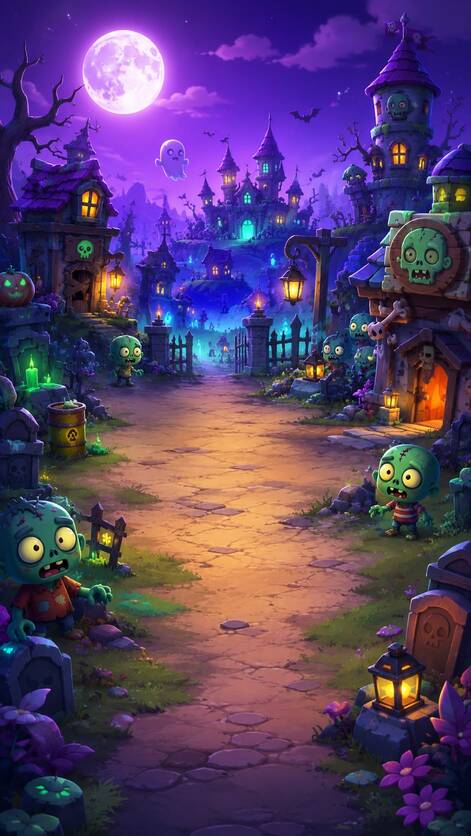
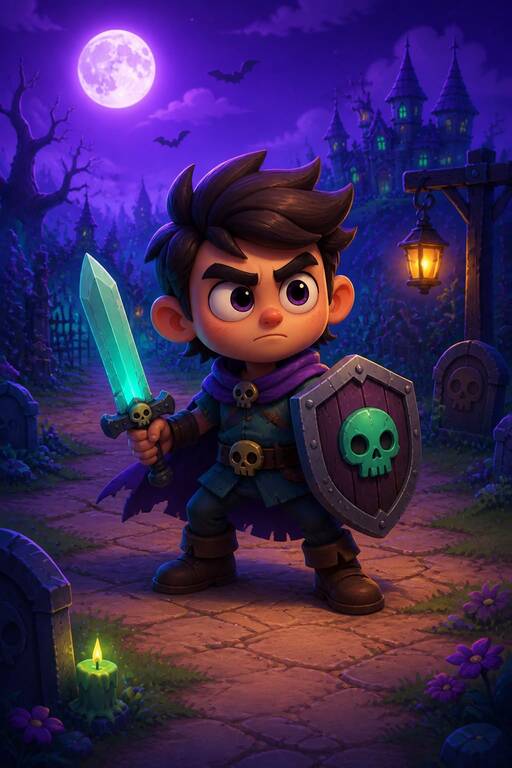
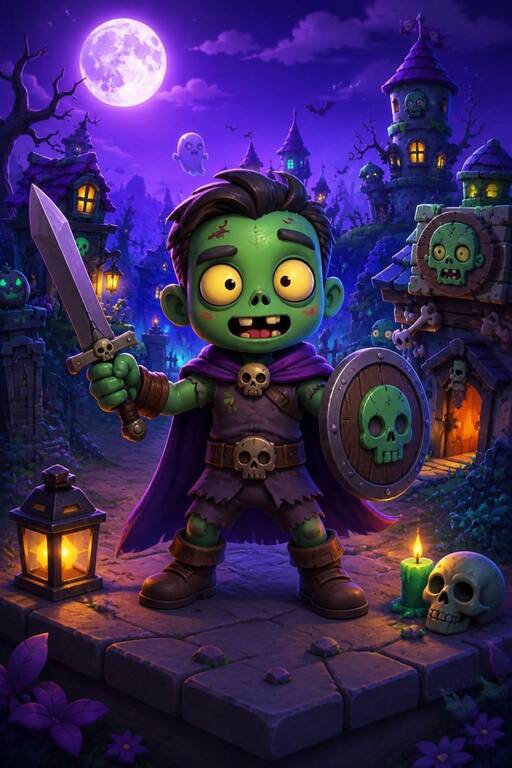
Use AI generation to explore early concepts, pitch a visual tone, and compare creative directions before committing production time.
Explore characters, portraits, costumes, silhouettes, and style directions.
Create environment ideas, cinematic scenes, moods, and promotional visuals.
Animate still ideas into short clips for pitches, social teasers, and creative tests.
Start with a sketch, reference, photo, or existing idea.
Upload a character, environment, sketch, or visual starting point.
Choose the mood, look, framing, and creative direction.
Compare concepts, save assets, or turn a strong frame into video.
Common questions about using AI for game visual concepts.
You can develop visual concepts for characters, costumes, scenes, environments, key art, cinematic moments, and promotional content.
Yes. Still concepts can be turned into short cinematic videos or motion tests.
Yes. It is designed to help generate and compare creative directions quickly before deeper production work.
Build out your concept with portraits, angles, and motion.
Explore character, environment, and cinematic concepts with MaxAIStudios.
Download on the App Store