Professional profiles
Create clean headshots for LinkedIn, resumes, company pages, speaker profiles, and portfolios.
 MaxAIStudios
AI Headshot Generator for iPhone
Create polished portraits for LinkedIn, resumes, websites, creator profiles, and personal brands without booking a studio or learning complex prompts.
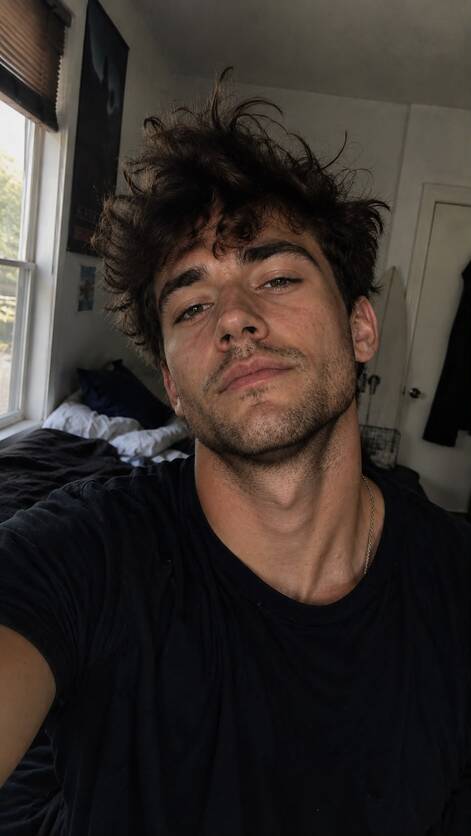
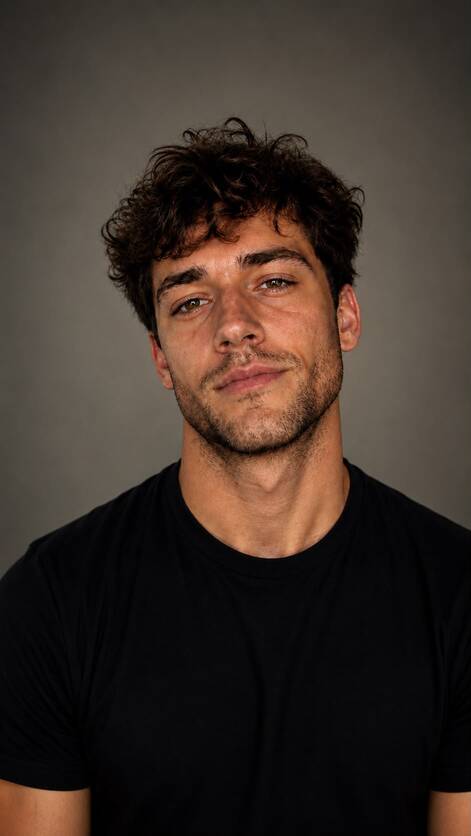
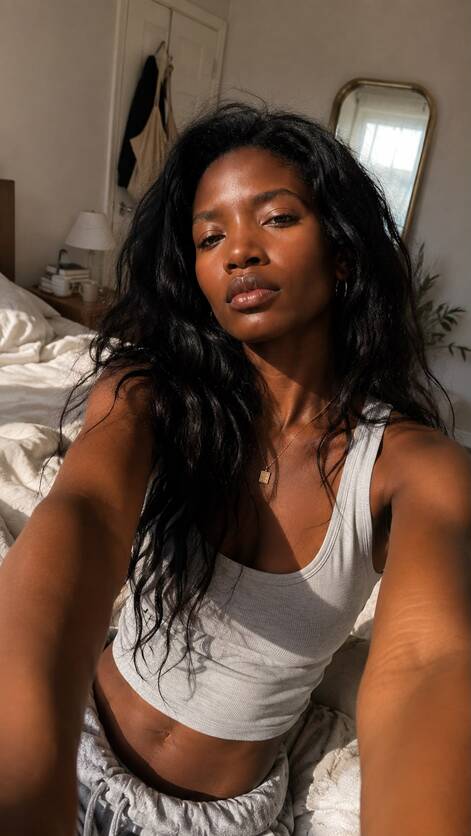
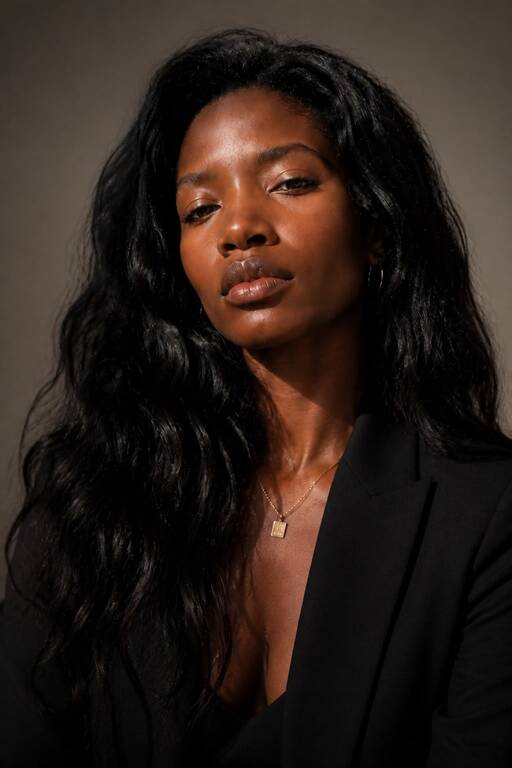
Start with a clear photo, then explore professional settings, lighting styles, wardrobe directions, close-ups, and editorial portraits while keeping your visual identity consistent.
Create clean headshots for LinkedIn, resumes, company pages, speaker profiles, and portfolios.
Explore polished creator, founder, fashion, and editorial directions from the same starting photo.
Compare different moods, backgrounds, and crops before choosing the portrait that feels right.
No production setup. No complicated editing workflow. Create and compare visual directions directly from your iPhone.
Choose a clear portrait or selfie with your face visible.
Choose a natural headshot or an enhanced headshot with more formal clothes.
Create multiple options and save the strongest headshots to your gallery.
Common questions about creating professional portraits with MaxAIStudios.
Use a clear, well-lit photo where your face is visible. A simple starting image gives the generator more reliable detail to work from.
Yes. You can explore professional, editorial, fashion, cinematic, and personal-brand directions from the same photo.
You can use your generated results for profile photos, portfolios, websites, social media, and creative presentations, subject to the app terms.
Continue from a portrait into new angles, campaign visuals, or cinematic video.
Generate polished portrait directions in minutes with MaxAIStudios.
Download on the App Store