Close-up details
Explore face, product, material, and texture details for more focused visual storytelling.
 MaxAIStudios
AI Camera Angle Generator
Turn a single photo into close-ups, wide shots, alternate viewpoints, and cinematic framing ideas before you reshoot or generate video.
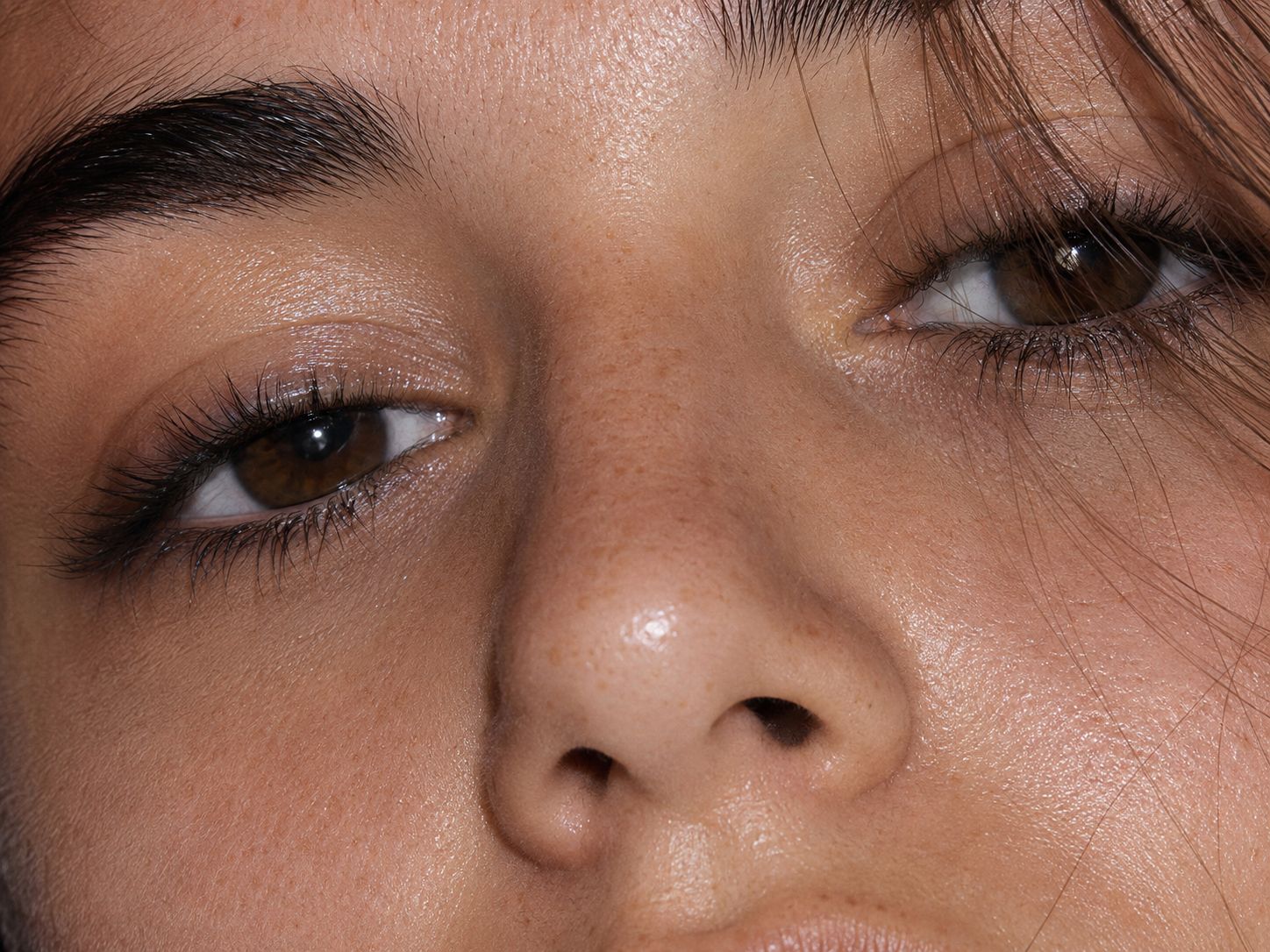
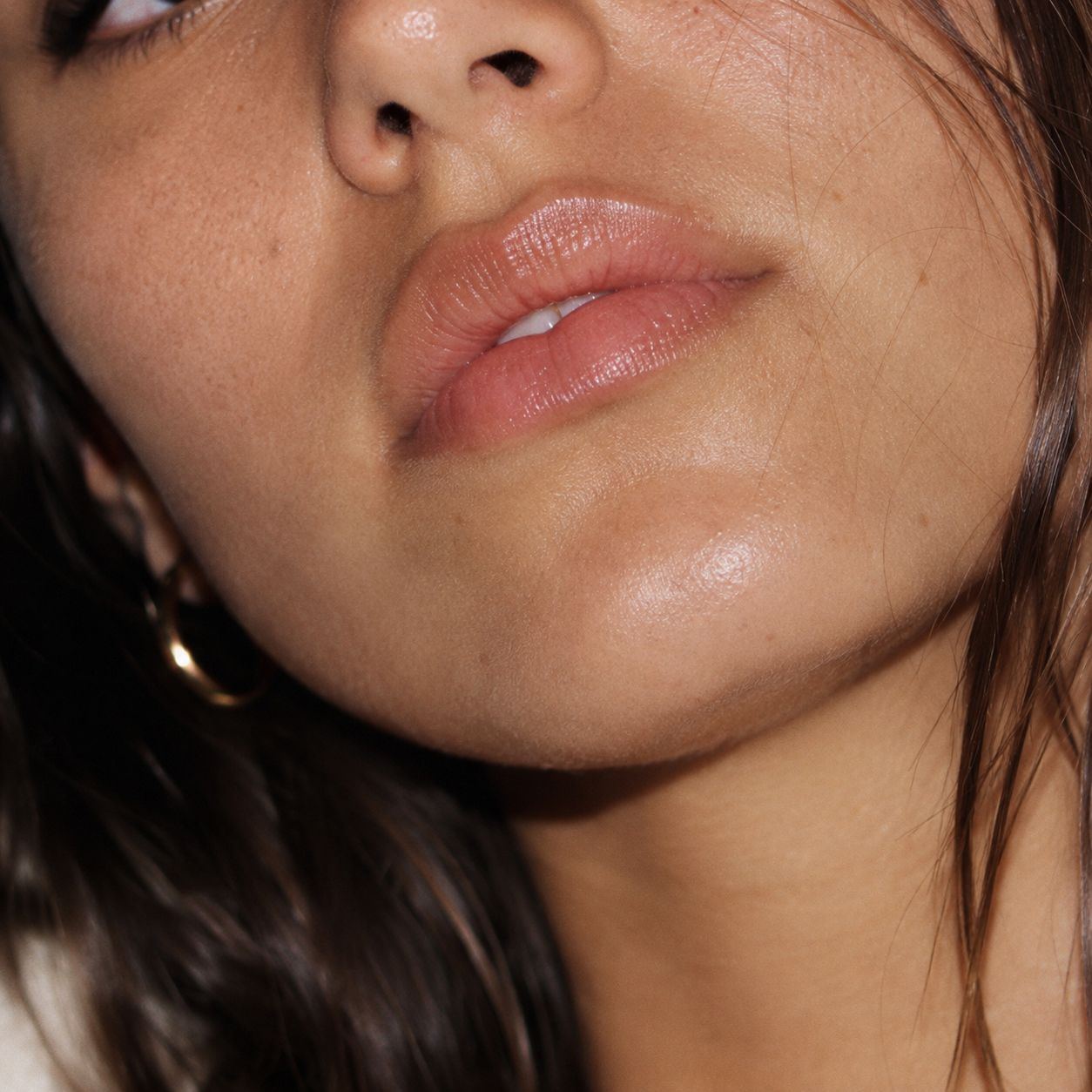
Use camera angle generation to test visual ideas, find stronger compositions, and build a more complete shot list from one starting image.
Explore face, product, material, and texture details for more focused visual storytelling.
Generate different perspectives and framing directions without setting up another shoot.
Choose strong starting and ending frames before creating a cinematic transition or camera move.
Build stronger creative options in three steps.
Upload the subject, scene, product, or portrait you want to explore.
Direct the crop, viewpoint, mood, and visual emphasis.
Save the strongest angles or continue into video generation.
What to know before generating new viewpoints.
You can explore close-ups, wider compositions, detail shots, portrait framing, alternate viewpoints, and cinematic directions.
Yes. A generated image can become a stronger starting or ending frame for an AI video workflow.
Yes. Camera direction can be useful for portraits, products, rooms, architecture, fashion, and visual concepts.
Continue your creative direction with images and motion.
Explore framing ideas and turn still images into directed visual content.
Download on the App Store